make on Windows#
GnuWin32#
Running make from GnuWin32#
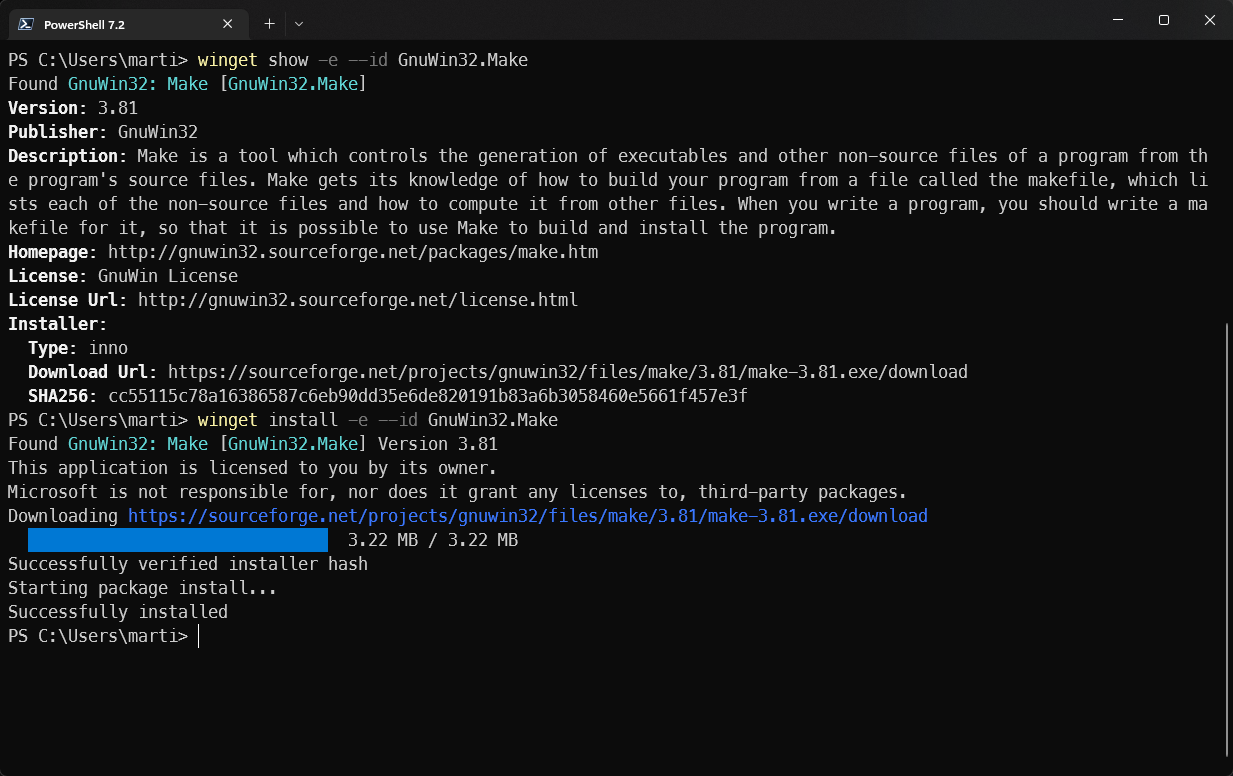
- Install GnuWin32
winget install -e --id GnuWin32.Make
winget install -e --id GnuWin32.Grep
winget install -e --id GnuWin32.Tree
-
Run
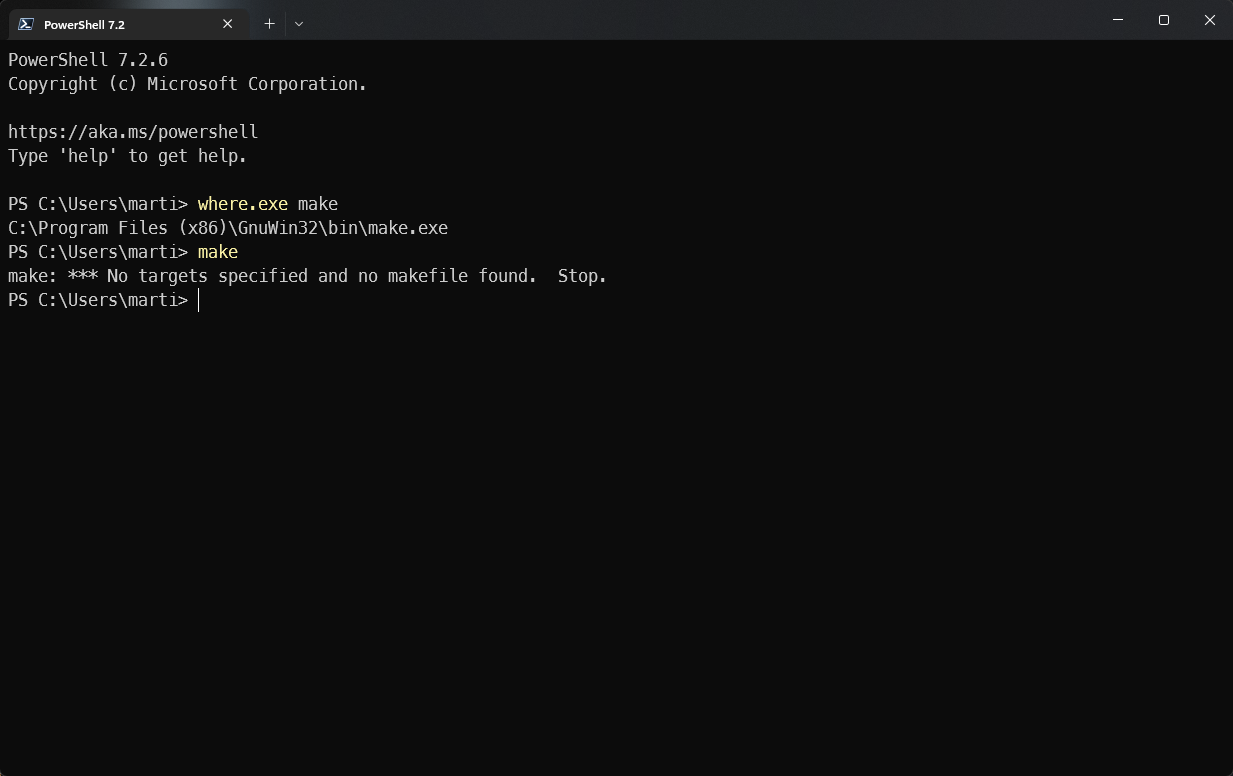
makefrom anycmd.exeor PowerShell -
Add the location of
make.exeto your path[System.Environment]::SetEnvironmentVariable( "PATH", "${env:ProgramFiles(x86)}\GnuWin32\bin;$env:PATH", [System.EnvironmentVariableTarget]::User ) -
To be able to run it you need to restart your current terminal
This is the usual process to reload new environment variables
MSYS2#
MSYS2 is a collection of tools and libraries providing you with an easy-to-use environment for building, installing and running native Windows software.
winget install -e --id msys2.msys2
Running make from MSYS2#
-
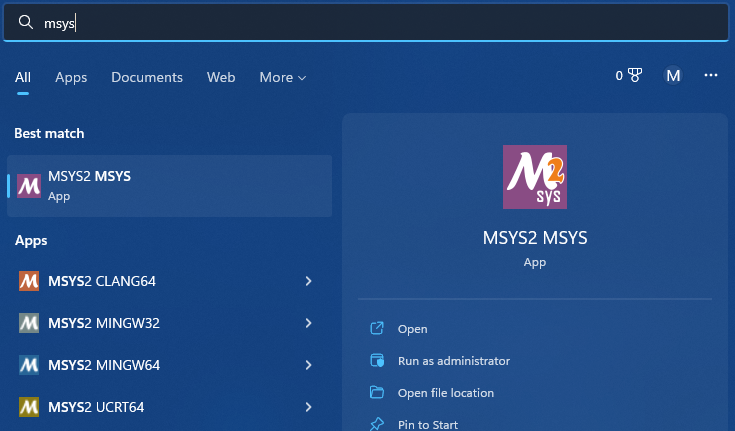
Run MSYS2 from the start menu
-
Install make inside of MSYS2
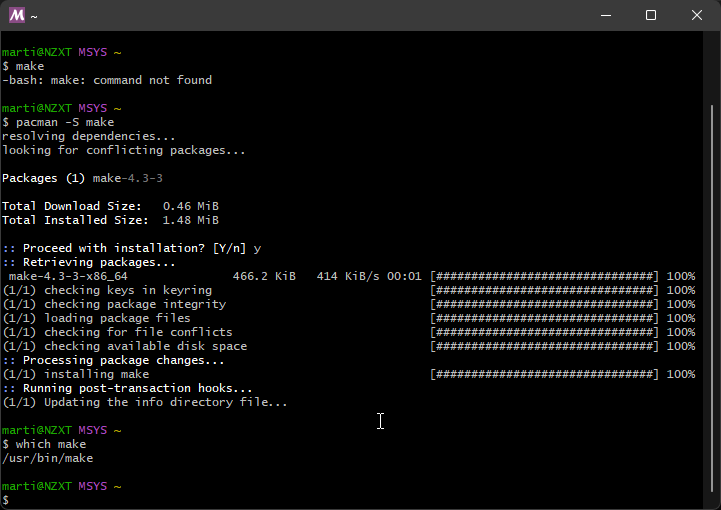
pacman -S make
- Now you can run make
which make