Kubernetes#
Kubernetes I*n* Docker (KI*n*D)#
- #BUG: enable mermaid
graph LR
  image([image]) --> |used by|container
  subgraph pod
    direction TB
    container
  end
- #BUG: enable mermaid
graph LR

  subgraph deployment
    direction TB

    subgraph pod
      container
    end

  end
We can easily create a cluster using
kubernetes-kind-cluster.
To create simple (trivial) resources you can use
kubectl directly. For a complete
example look at kubernetes-create-simple-resource{.interpreted-text
role="ref"}.
Alternative --- Install minikube#
-
Follow the instructions in minikube
start -
Download
minikube.exe
New-Item -Path 'c:\' -Name 'minikube' -ItemType Directory -Force
Invoke-WebRequest -OutFile 'c:\minikube\minikube.exe' -Uri 'https://github.com/kubernetes/minikube/releases/latest/download/minikube-windows-amd64.exe' -UseBasicParsing
- Add the executable to your path
$oldPath = [Environment]::GetEnvironmentVariable('Path', [EnvironmentVariableTarget]::User)
if ($oldPath.Split(';') -inotcontains 'C:\minikube'){ `
  [Environment]::SetEnvironmentVariable('Path', $('C:\minikube;{0}' -f $oldPath), [EnvironmentVariableTarget]::User) `
}
- Reload your path. The easiest way is to stop and start your terminal
again.
If you use VS Code do not use Developer: Reload Window. You will
need to close and open the full application.

The same applies to other tools like JetBrains products if you use
them.
Get-Command minikube
Output:
CommandType     Name                                               Version    Source
-----------     ----                                               -------    ------
Application     minikube.exe                                       0.0.0.0    C:\minikube\minikube.exe
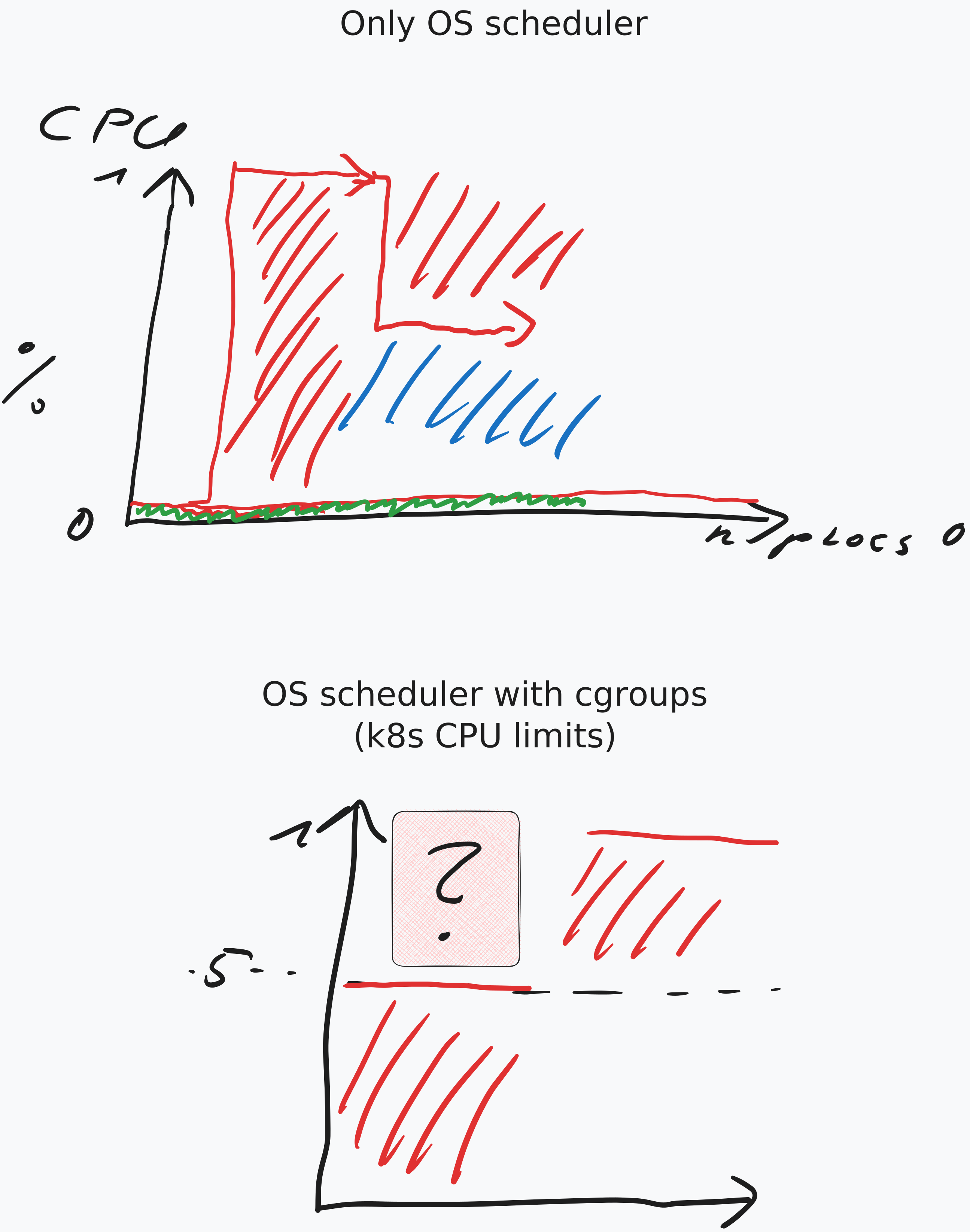
Kubernetes CPU limits#
How to start a Pod#
kubectl run nginx --image=nginx
How to delete a Pod#
kubectl delete pod nginx
How to get a Pod#
kubectl get pod nginx